


Many small business owners assume nobody would bother hacking their website. Unfortunately, most attacks are not personal. Automated tools scan thousands of websites at a time, looking for outdated software, weak passwords and known gaps. If your site has one, it gets found.
The consequences are real: spam pages injected into your site, visitors redirected to scams, your domain blacklisted, emails landing in spam, or your website taken offline entirely. Here are the basics that prevent most of it.
Keep everything updated
Outdated software is the most common way in. For a WordPress website, that means the core software, the theme and every plugin. Updates often fix security holes that attackers already know about.
An update you skip is a door you leave unlocked.
Update regularly, but carefully. Take a backup first and check the site afterwards, because occasionally an update causes a conflict.
Use strong passwords and two-step login
Weak and reused passwords are the second most common problem. Every account with access to your website should have:
- A long, unique password, ideally from a password manager
- Two-step verification, where available
- Its own login, rather than one shared admin account

Also review who has access. Remove accounts for former staff, agencies and freelancers who no longer work with you.
Fewer plugins, from trusted sources
Every plugin is extra code that can contain vulnerabilities. Only install plugins you need, from reputable developers who update them regularly. Delete, do not just deactivate, the ones you no longer use.
Never install "free" copies of premium themes or plugins from unofficial sites. They are a common way to sneak malware onto websites.
Back up off-site, and test your backups
A backup is your safety net if anything goes wrong, from a hack to a bad update. Good backups are:
- Automatic, daily or at least weekly
- Stored somewhere other than your web server
- Kept for several weeks, so you can go back before a problem began
- Tested, so you know you can actually restore them
Use HTTPS everywhere
The padlock in the browser means data between your visitors and your website is encrypted. It protects contact forms and logins, and browsers warn visitors away from sites without it. SSL certificates are often free through your host, so there is no reason to go without.
Choose hosting that takes security seriously
Good hosting includes firewalls, malware scanning, isolation between accounts and quick support when something goes wrong. Very cheap hosting often cuts corners on exactly these things.
Monitor and respond
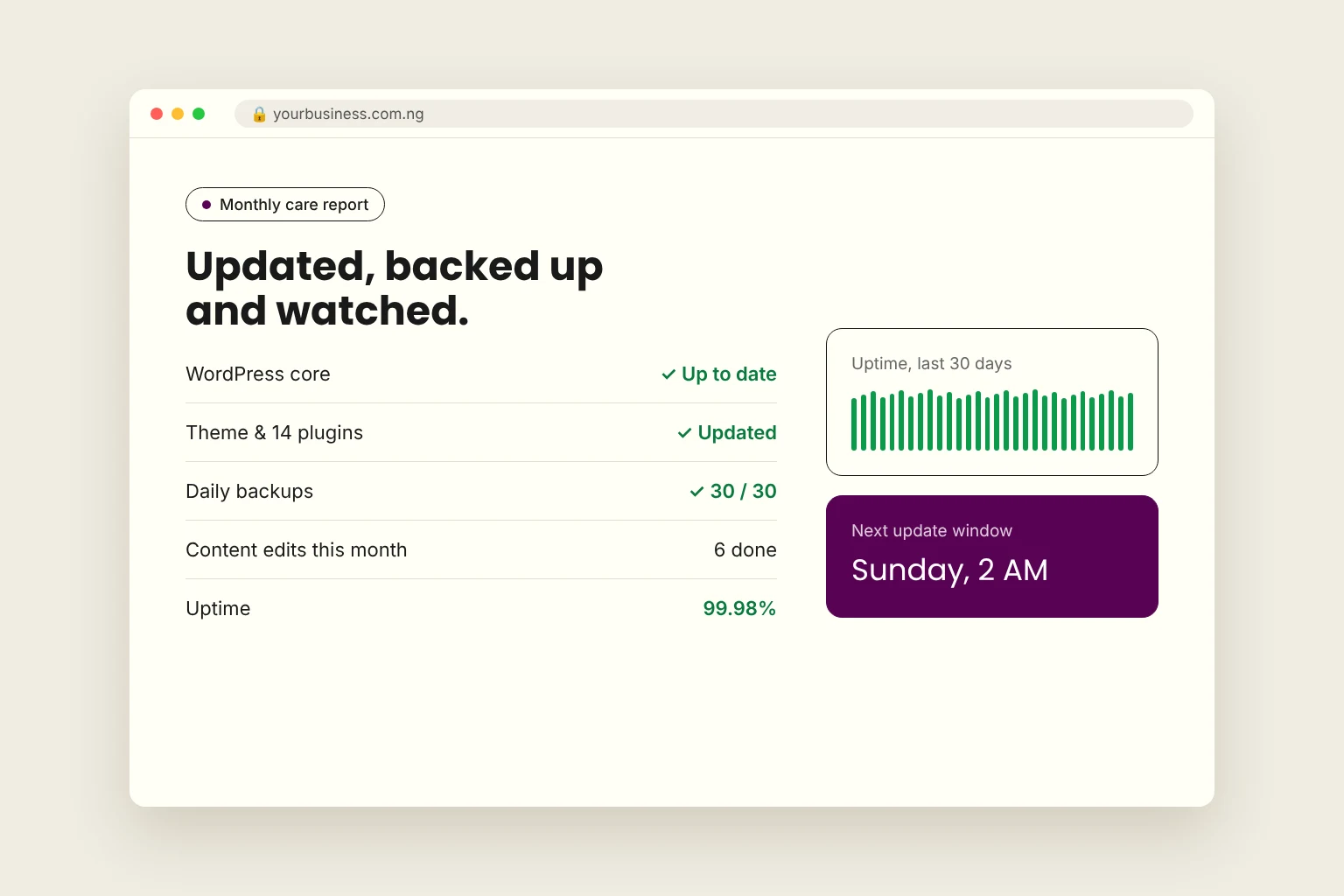
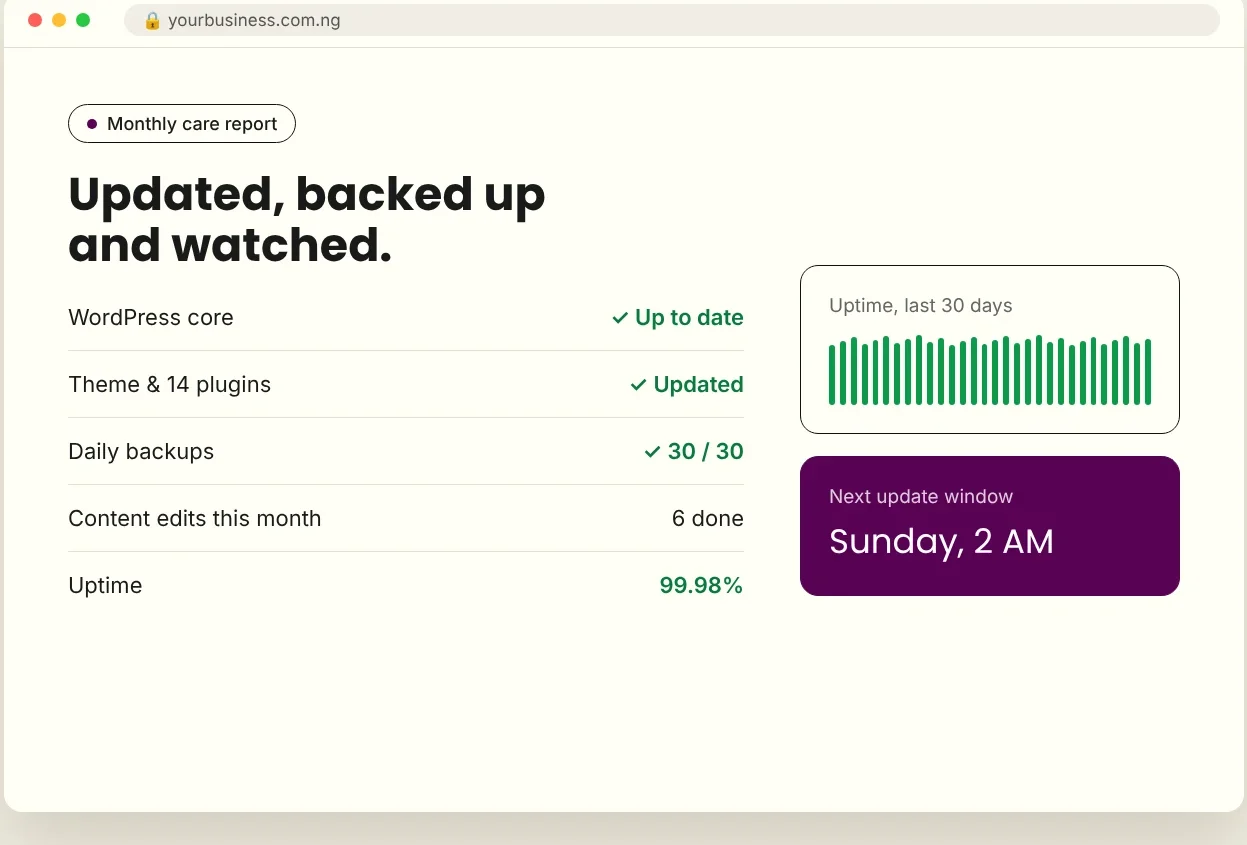
You want to know about a problem before your customers do. Uptime monitoring alerts you when your site goes down, and security scans flag suspicious changes. Monthly reports help you see that updates, backups and checks are actually happening.
Protect the data you collect
If your website collects names, phone numbers or other personal details through forms, you have a responsibility to protect that information. In Nigeria, the Nigeria Data Protection Act 2023 sets out how personal data should be handled. Collect only what you need, keep it secure and include a clear privacy policy on your website.
- Most attacks are automated and target outdated or weak sites.
- Update software, use strong unique passwords and enable two-step login.
- Keep plugins few and trusted, and take tested off-site backups.
- Use HTTPS, good hosting and monitoring, and protect visitor data.
The bottom line
Website security is not about paranoia. It is about routine. A handful of good habits, done consistently, protect your website, your customers and your reputation. If you would rather not handle it yourself, a maintenance plan can do it for you every month.
Tell us about your business and we will recommend the right next step. The first consultation is free.