
Picture two quotes arriving in a procurement officer's inbox. One comes from info@yourcompany.com. The other comes from yourcompany2019@gmail.com. Both offer the same service at the same price. Which one looks like the safer choice?
Your email address is often the first thing a new client sees from you. A professional address on your own domain is a small change that does a lot of quiet work for your business.
It builds instant trust
Scammers use free email accounts because they are easy to create and easy to abandon. Customers know this. An address on your own domain tells people you are an established business with a website and a real presence.
Your email address is part of your brand. It should look like you plan to be around for a long time.
For businesses that deal with corporate clients, government agencies or international partners, a domain email is often expected rather than optional.
It markets your business every time you send
Every email you send from name@yourcompany.com repeats your brand name. It points people to your website, makes your business easier to remember and keeps your communication consistent with your business cards, letterheads and invoices.
The business owns the account, not the employee
When staff use personal Gmail accounts for work, the conversations, contacts and files leave with them. With business email, the company controls every account. When someone leaves, you can keep their mailbox, forward their emails or pass the account to their replacement.
You can also create shared addresses, such as info@, sales@ or support@, that several team members can manage.
It is more secure and easier to manage
Business email platforms such as Google Workspace, Microsoft 365 and Zoho Mail give you admin controls that personal accounts do not:
- Two-step verification for every user
- The ability to reset passwords and lock lost devices
- Spam and phishing protection
- Shared calendars, contacts and file storage
Set it up properly, or it lands in spam
Simply creating the mailboxes is not enough. Your domain needs a few records that prove your emails are genuine:
- SPF lists the servers allowed to send email for your domain.
- DKIM adds a digital signature to every message.
- DMARC tells receiving servers what to do with emails that fail those checks, and sends you reports.
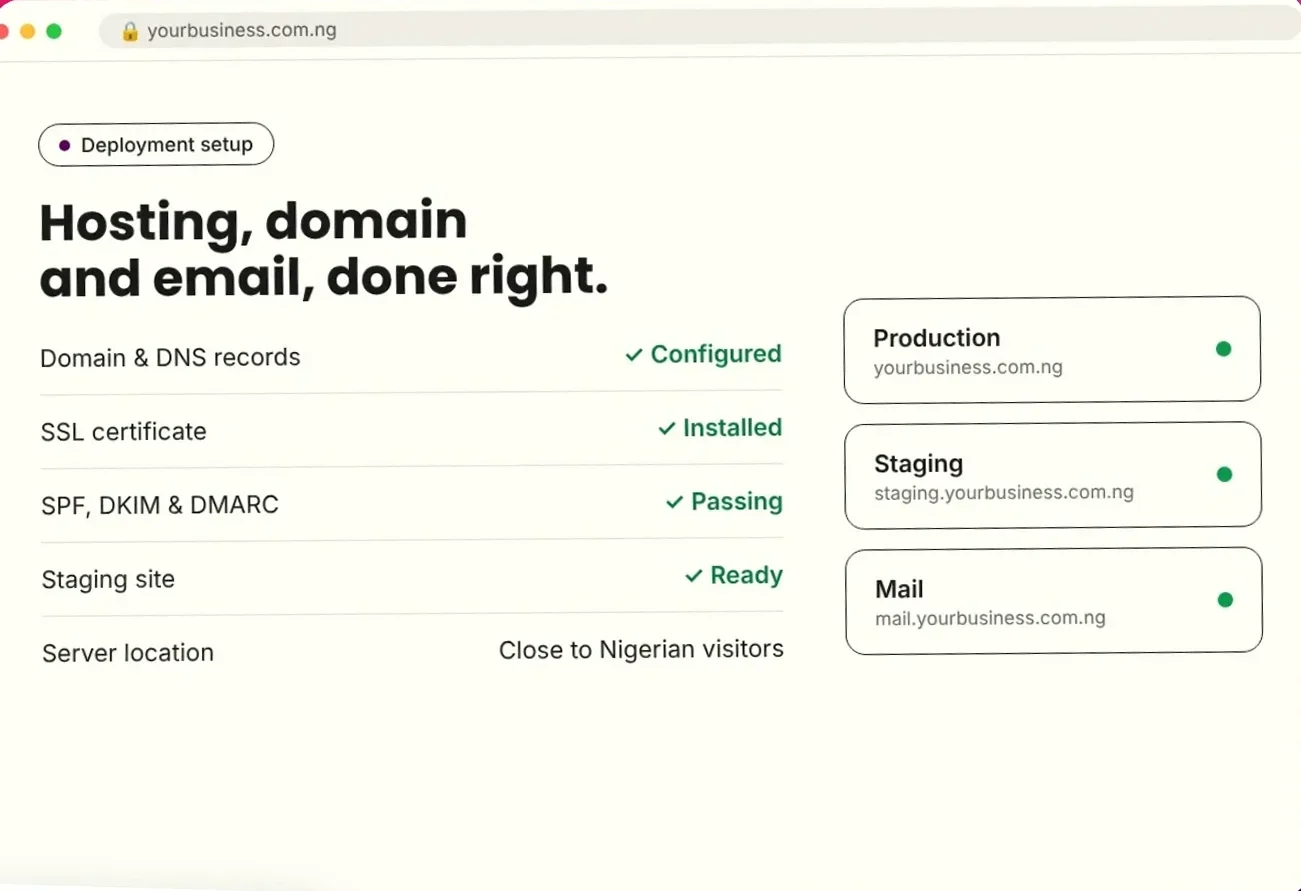
Large email providers like Gmail and Yahoo now expect these records from businesses that send email. Without them, your messages are more likely to land in spam or be rejected, and criminals find it easier to send fake emails pretending to be you.
Which platform should you choose?
There is no single right answer. Google Workspace suits teams that already live in Gmail and Google Drive. Microsoft 365 suits businesses that rely on Word, Excel and Outlook. Zoho Mail is a cost-friendly option with solid features for smaller teams.
Whichever you pick, you pay the platform's own licence fees directly, and you keep full control of the account.
Moving from Gmail without losing anything
If you already use a personal address, switching is less painful than it sounds. Your old emails can be migrated into the new mailbox, and you can forward the old address for a while so nobody's messages are missed. Update your website, email signature, business cards and social profiles, and let key clients know.
- A domain email builds trust and promotes your brand with every message.
- The business owns the accounts, so knowledge stays when staff leave.
- SPF, DKIM and DMARC are essential for deliverability and protection.
- Choose the platform that fits how your team already works.
The bottom line
A professional email address is a small investment that makes your business look more established, keeps your communication secure and helps your messages reach the people who matter. Set it up once, set it up properly, and it will serve you for years.
Tell us about your business and we will recommend the right next step. The first consultation is free.